Setting up
Software
All editing programs work along the same lines, and the fundamentals are the same whether editing drama, documentary or animation. There are three things to determine what software you want:
- What kind of computer do you have or want to have?
- Do you want something simple and intuitive, but limited? Or are you planning to get into editing in a serious way?
- Your budget.
Simple vs. advanced
As a beginner, it is best starting your group with something like iMovie or Movie Maker. They are intuitive to use and you get good results quickly. Once they've learnt this program, it will be easier to move onto something more advanced.
Once you get to a certain level of editing skills and if you enjoyed the editing experience, you will find that you want to have more control over what is happening with your film and hanker for things like different transitions, better effects and more layers for sound. The time has come to invest in a more advanced program: Final Cut Pro (Mac), Adobe Premiere and Avid Media Composer.
All have comprehensive manuals and tutorials, and there are amazing online resources available across the web, however it is also worth taking part in a course to get yourself up to speed.
Working environment
Whether it’s a designated room for your ‘edit suite’ or just a corner of a room somewhere, the environment has to be comfortable to work in as you will be spending considerable time there. Try to use a room with a window. Beware of reflections on the screen, but make use of the window so that you are able to look out of it. This exercises the eyes, from short to long focus, and decreases the chances of eye strain and tiredness. Take plenty of breaks and drink plenty of liquids. Plants are a good idea as they replenish the oxygen in a room. View your film on a suitable size screen and adhere to the usual recommendations for screen and seat positions which can be found in most health and safety manuals.
Editing alone
Like writing, editing is often done alone. It requires a lot of time and patience, and the perseverance to go over the same few seconds of movie over and over again, nudging a few frames back and forth, until you get it just right. It can be great fun, but it can also be laborious. You have to be the kind of person that sticks with something.
There will be students who happily spend hours in front of an edit package and others who will run a mile, do encourage them to stick with it, as the rewards are great.
Editing in groups
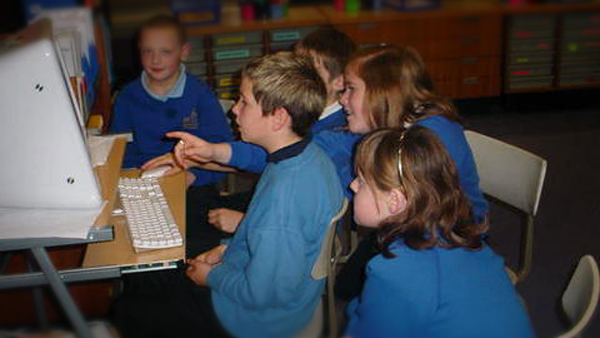
It is possible to have two or more editing at the same time, and this can become a rich context for focused teamwork and creativity. It's best if just one student at a time is operating the kit and rotate within this group. If you need to have large numbers editing one film you may be able to split the film into scenes for each group to work on.